Key Takeaways
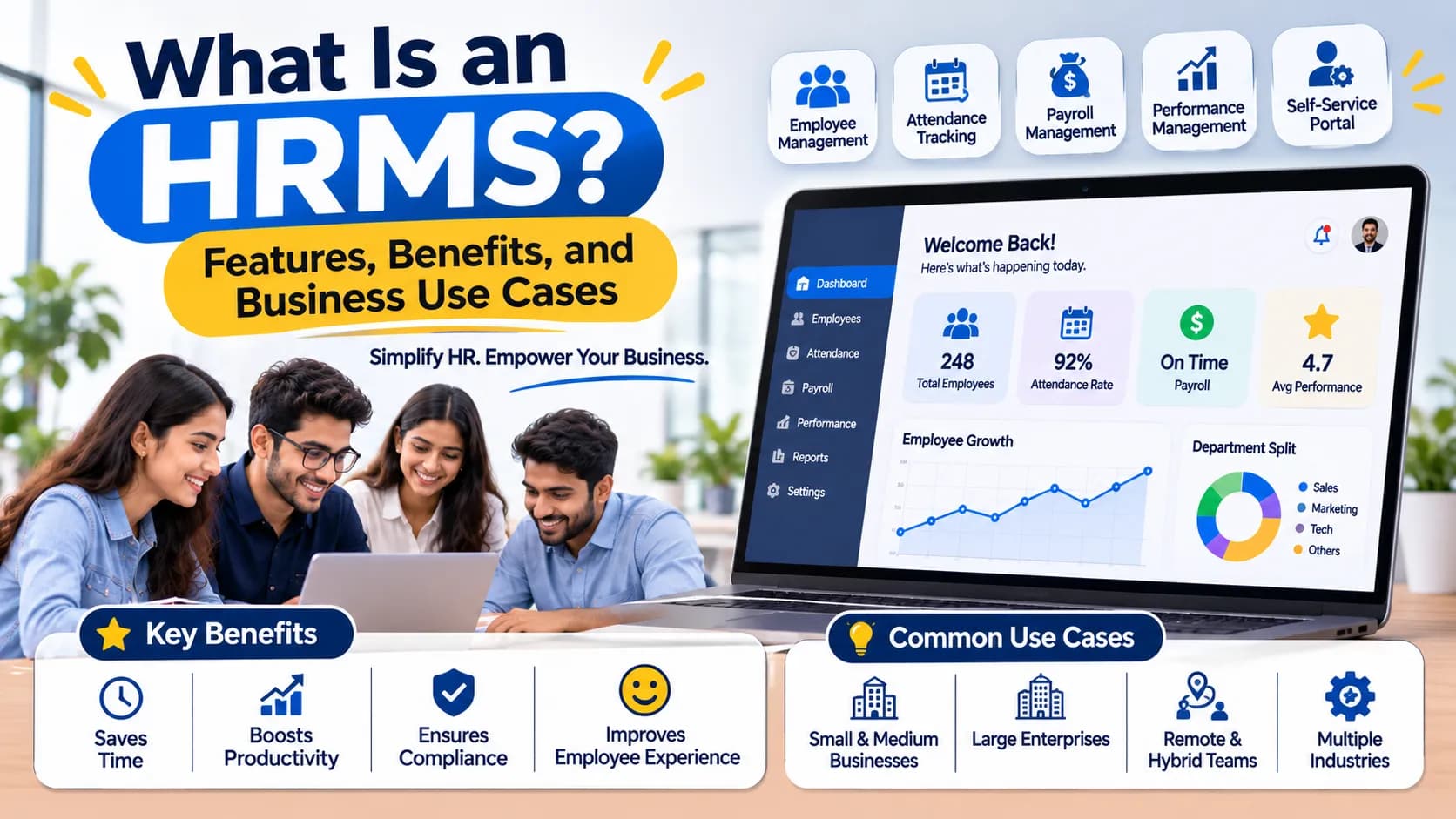
- An HRMS (Human Resource Management System) is a piece of software that helps organisations manage employee processes.
- An HRMS is a piece of software that can help organise various aspects of your human resources.
- Depending on the provider, there are various features of an HRMS.
- An HRMS can help your HR team and employees with streamlining processes.
Quick Answer
An HRMS (Human Resource Management System) is a piece of software that helps organisations manage employee processes. It can help with various aspects including storing employee data, payroll, time in/out, leave, performance and reporting. Businesses looking for broader workforce management and recruitment support can explore our website.
What is an HRMS?
An HRMS is a piece of software that can help organise various aspects of your human resources. It will help you store all your employee data in one place, rather than different spreadsheets, documents and systems.
An HRMS should help to collect and organise your employee data. This can provide varying levels of access, depending on the software.
For example, your employees can use it to submit leave requests and then your HR Manager can access the requests, update time in/out and keep their employee data up-to-date. It can help to bring together various aspects of your HR processes.
Key Features of an HRMS
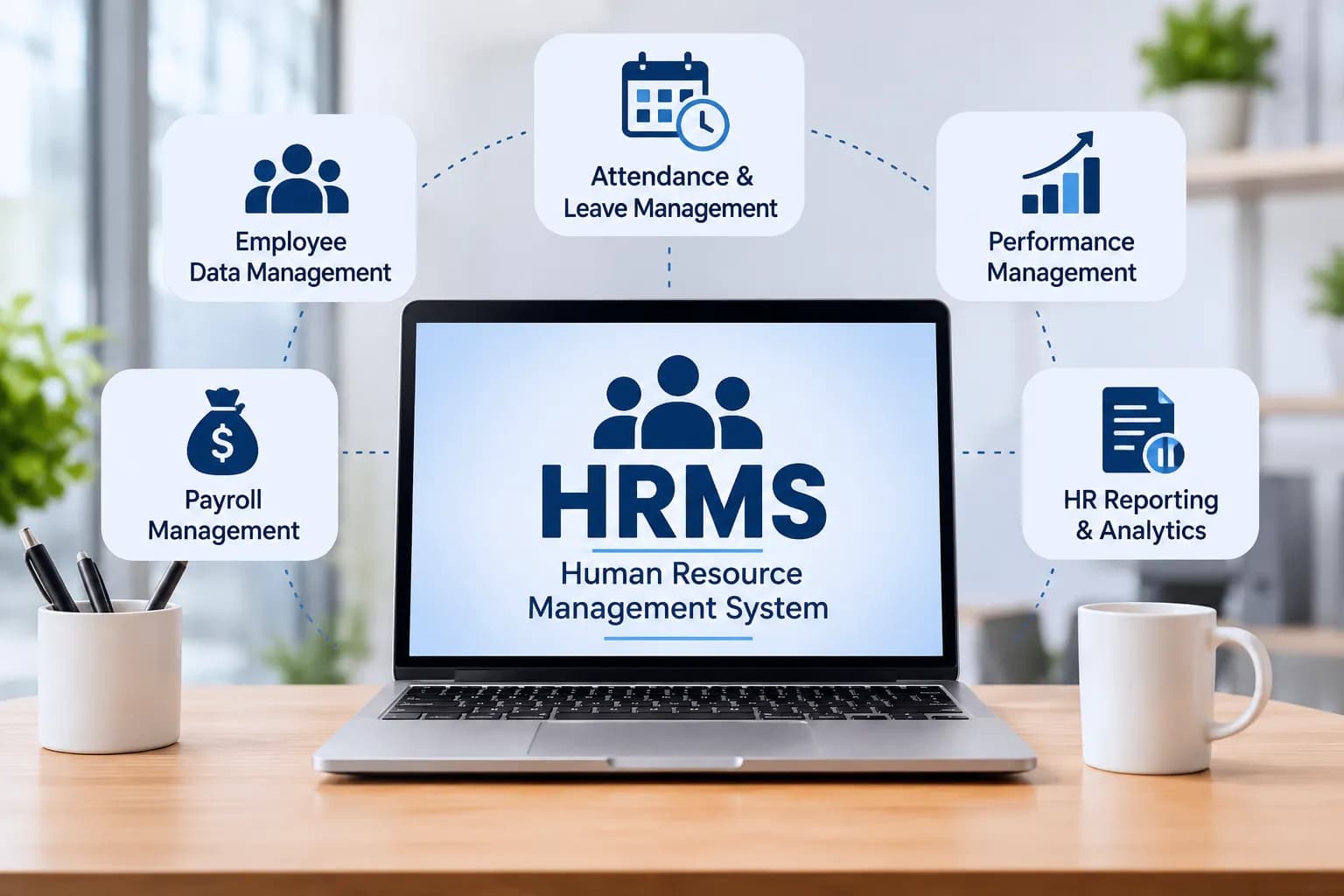
Depending on the provider, there are various features of an HRMS. Most will focus on:
1. Employee Data
One of the key functions of an HRMS is to have an employee database. Within this will be key information relating to your employees.
This can include:
- Employee name and contact details
- Job title, department and line manager
- Start date and employment details
- Qualifications and professional information
- Employment documents
Having your employee data all in one place means your HR can easily access what they need.
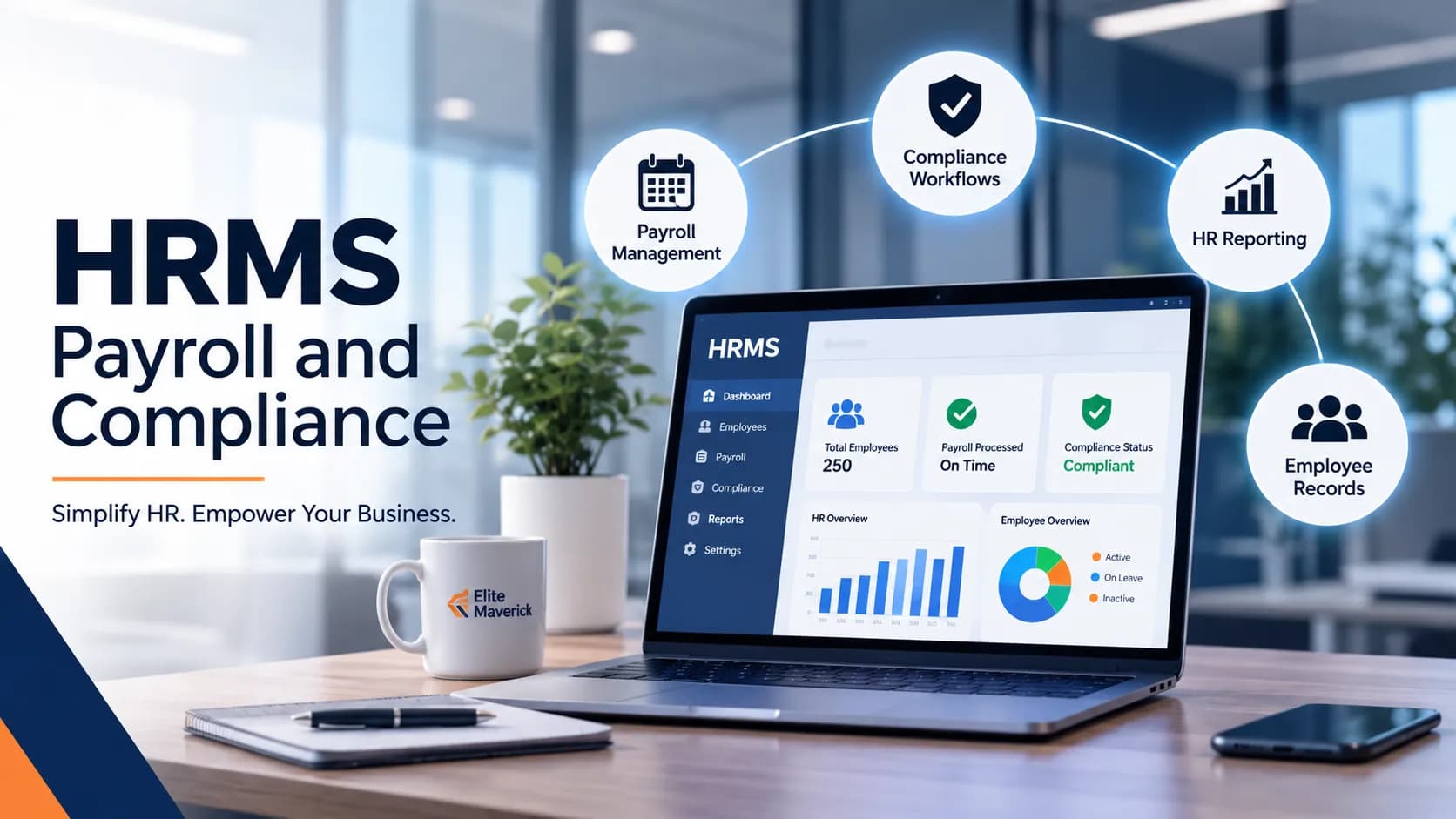
2. Payroll
This can help to organise your employee payroll. Depending on the software, it can help with recording salaries, deductions, allowances and calculating payroll.
By having a structured process, you can:
- Keep a record of your employees’ salaries
- Manage your payroll for each month
- Keep track of relevant deductions and allowances.
- Create reports
- Keep relevant payroll documents.
You should ensure that this software can meet your specific payroll needs and that it complies with relevant tax.
3. Time in/out and Leave
Keeping track of time in/out can become difficult if you have multiple departments, locations or ways of working.
An HRMS can help you keep track of your employees’ time in/out, manage their leave balances and leave requests.
For example, employees can submit a leave request. This can then be reviewed by their line manager. Once approved, their leave can be updated.
4. Performance
Performance features can help organisations to structure reviews and keep track of employee development.
Depending on the platform, this can include:
- Performance reviews
- Setting goals and tracking progress
- Line manager feedback
- Performance history
- Performance reports.
These can help managers have more organised conversations.
5. Reporting
Reporting can help give you insight into your workforce.
Your HR can view reports to see how many employees you have, their time in/out, leave, payroll and any other data that they have available.
This can give insight to management to make decisions based on trends.
Benefits of using an HRMS
An HRMS can help your HR team and employees with streamlining processes.
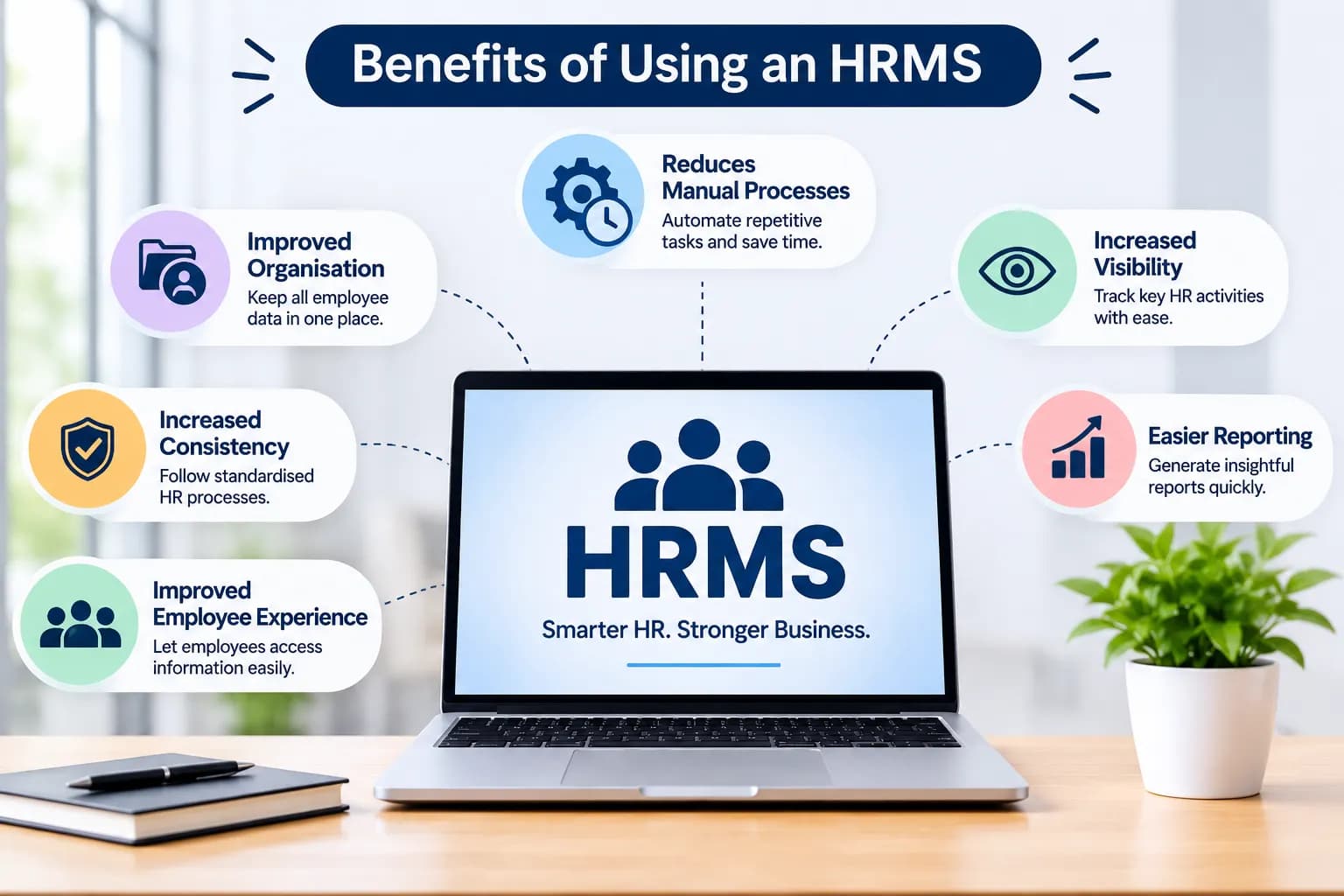
Some key benefits include:
- Reduces manual processes – This can help automate repetitive processes such as leave, updating and HR processes.
- Improved organisation – Having all your employee data in one place can make things easier to find, update and keep.
- Increased visibility – Managers and HR can keep track of relevant employee processes.
- Increased consistency – By having standardised processes, this can help ensure that processes such as leave approvals and employee data are done consistently.
- Easier reporting – Having data all in one place can help your HR create reports.
- Improved employee experience – If there are self service features, employees can easily access relevant information and carry out regular requests.
HRMS vs Traditional HR Management
In many cases, organisations will start by using spreadsheets, paper and separate software to keep track of their employee data. Whilst this may be fine for smaller teams, as they grow it can become difficult.
| Comparison Factor | Traditional HR Management | HRMS |
|---|---|---|
| Employee records | Multiple files and spreadsheets | Centralized data |
| Attendance | Manual tracking or separate tools | Integrated time in/out |
| Leave management | Emails and manual approvals | Structured approval |
| Payroll | Manual calculations | Payroll |
| Reporting | Manual data collection | Structured reporting |
| Access to information | Often based on individual documents | Access based on role |
It will depend on how large your workforce is, how complex your processes are, your budget and how automated you want your processes to be.
When Should You Consider Using an HRMS?
There is no set number of employees your business will need an HRMS. It will depend on how difficult your current processes are to manage.
However, if you are experiencing any of the following, an HRMS could help:
- Spending a lot of time updating spreadsheets and employee data.
- Keeping track of time in/out and leave in different systems.
- Spending a lot of time manually collecting data for payroll.
- Managers are struggling to get accurate information on employees.
- Growing into multiple departments/locations.
- Spending too much time creating reports for HR due to data being spread out.
If any of these problems sound familiar then an HRMS may be a good solution.
How to choose the right HRMS?
Choosing the correct HRMS can be much more complex than it seems. Think about the current processes in place and what will be required from your workforce in the future.
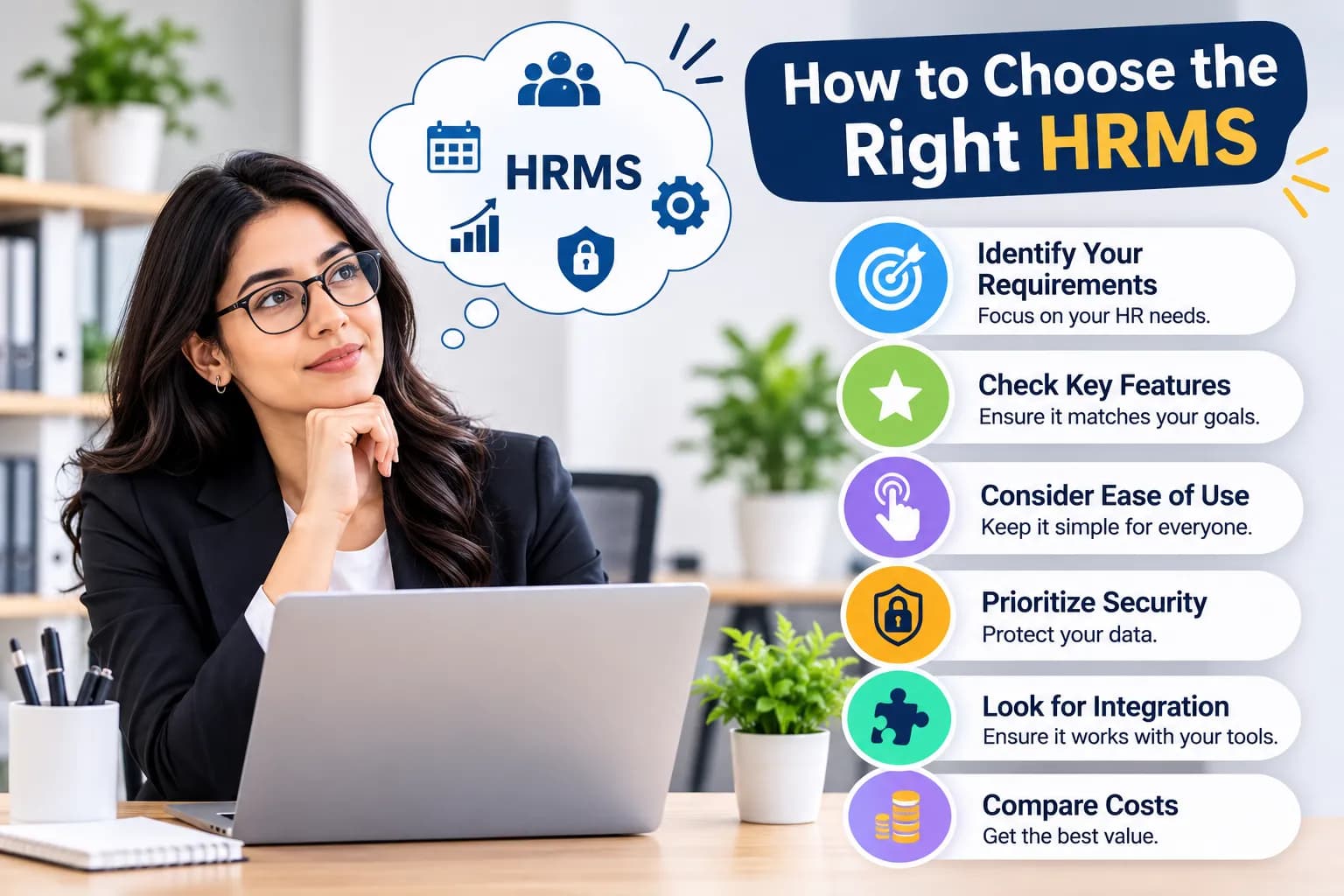
To determine which HRMS is right for you try:
- Identify requirements – Think about what processes you want to improve. This could include employee data, payroll, time in/out and performance.
- Ensure features match your requirements – Make sure you are not paying for extra features that you don’t need.
- Consider ease of use – The platform should be easy to understand for your HR, managers and employees.
- Security – Ensure that you know who has access to what data. Are there any security measures in place? Are there any back ups?
- Integration – Ensure that it can integrate with your existing payroll, accounting and business systems.
- Cost – How much will you be paying for the subscription? What are the requirements for installation, training and customer support?
The right HRMS will help you get past your current HR problems and keep things under control as your organisation grows. Stay up to date with the latest trends in HR Management, Workforce Planning and Recruitment by following us on LinkedIn.
How can Elite Maverick Help with your HR Management?
Choosing the right HR management can help you create efficient processes for your workforce. We offer HR Management (HRMS) as one of our services.
Our HRMS includes:
- Employee data
- Payroll & Compliance
- Performance
- Reporting & Analytics
If your business wants to improve your workforce management processes, you can look at our services to see how we can help with recruitment, HRMS and other business solutions.
Final Thoughts
Managing employee information will be much easier with an HRMS. Choosing the right HRMS will help you to effectively manage each of the key parts of your HR function. Manual processes will be simplified and more visible. When deciding which system would be best for your organisation, consider any requirements, security, user friendly features and scalable features. Think about what problems you are having within your HR department to ensure that you select the right system to help manage your workforce.
If your organisation needs assistance with HR management or recruitment requirements, contact us to discuss your business needs.
Frequently Asked Questions
What does HRMS Stand For?
Human Resource Management System. Used to manage employee data.
What is the main purpose of using an HRMS?
Will help streamline your HR processes, manage employee data and make some processes easier such as payroll, time in/out and performance.
Can small businesses use an HRMS?
Yes they can! They can be used to manage employee data and manage your HR processes.
What's the difference between HRMS and HR Software?
HR Software is a general term whilst an HRMS will generally be used to handle multiple connected HR processes.
Can an HRMS help with payroll and time in/out?
Many platforms can provide this but it depends on the provider you go with.
How do I choose the right HRMS for my company?
Look at what features are available, ease of use, security, integration capabilities, cost and scalability of software against your actual HR needs.